Viewing Your Scans
Bottle Rocket uses local storage to store copies of scanned images received via the Bottle Rocket app.
Viewing Scans
- Login to your Bottle Rocket server.
- On the left-hand sidebar, select My scans.

- If your Bottle Rocket app has been able to successfully send scans to this server, they should appear here.
- For convention, they are sorted by date, with the most recent captures appearing first.
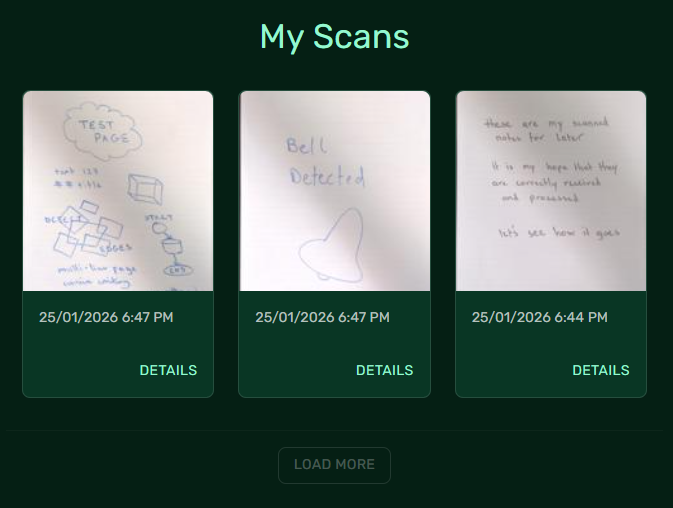
- To view the details of a specific scan, click on the Details link under the related scan.
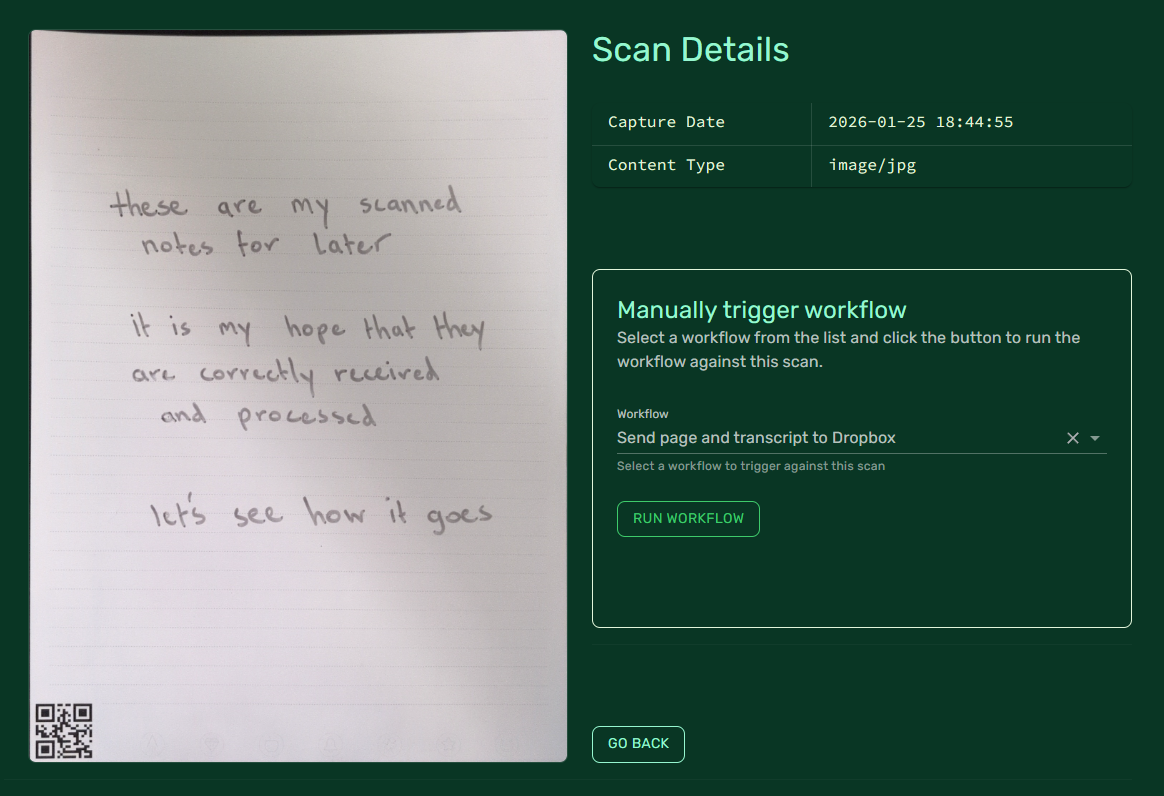
Manually triggering a workflow
You can use this page to trigger a workflow that you have set up previously by selecting it from the Workflow dropdown and clicking the Run Workflow button.